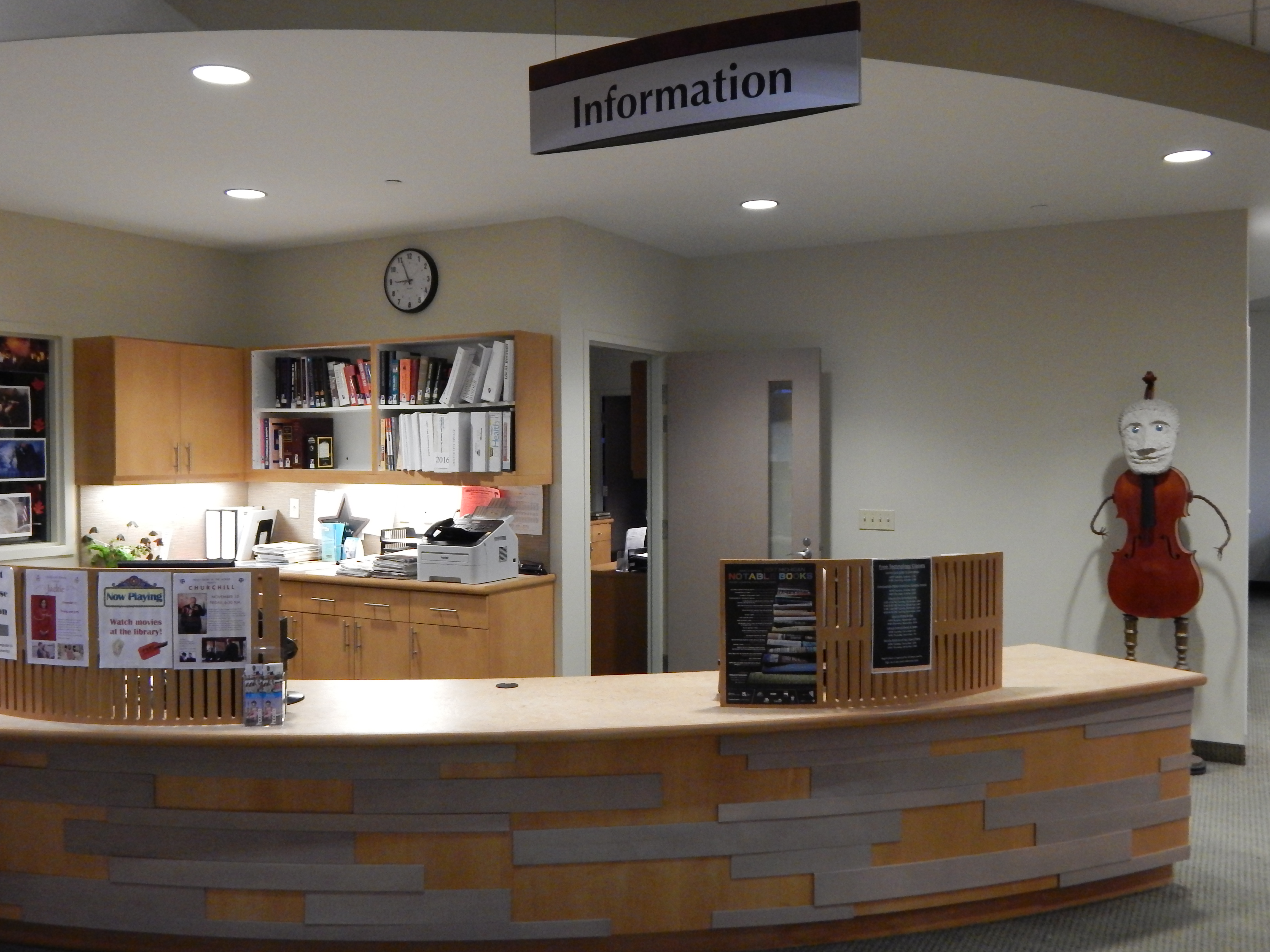
Stop by our reference desks, call the Library at 734-426-4477, or use the online form below to ask for our assistance.

Stop by our reference desks, call the Library at 734-426-4477, or use the online form below to ask for our assistance.
Click here for our Children’s catalog
Loan Periods
Books 4 weeks
New Books 2 weeks
Magazines 2 weeks
Holiday Books (limit 4) 2 weeks
Board Books 2 weeks
CDs 2 weeks
Books on CD (limit 4) 2 weeks
eBooks (limit 6) 2 weeks
DVDs (limit 4) 1 week
Late Fees
DVDs: $0.50 per day
All other materials: $0.10 per day
DVDs can be renewed one time. All other items can be renewed twice in person, over the phone, or online (https://catalog.tln.lib.mi.us/?section=home)
Fines for items acquired through Interlibrary Loans may vary, according to the lending library’s rate. If a CD, audio book, or film is returned with items missing, the library will attempt to contact the borrower. Fines will continue to accrue on the item until all parts (i.e., liner notes, missing discs, etc.) are returned and then the item will be removed from the patron’s record.
1. Go to this web site and log in with your library card number / password:
https://smartalecplus.smartalecprint.com/?id=TLN
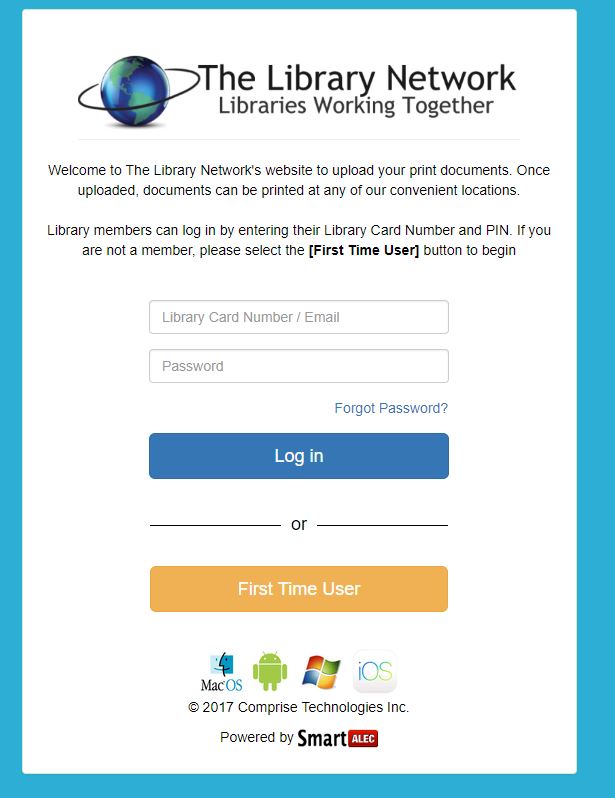
2. Press “Choose File”, browse to the file you wish to print, and then click upload. You may now upload multiple files at a time. You don’t need to be inside the Library building for this step, so the print jobs can be sent from home if you wish. Alternatively, you can email the files as attachments to: smartalec@smartalecprint.com, attach directly from Google Drive, or paste a URL you desire to have printed.
3. Once you have all the files uploaded, sign into the Print Release Station on the 2nd Floor of the Library, and you will see the files you had uploaded previously. Click them to select, then click “Continue”
4. You will be shown a summary of the charges. Make your selection for Black & White or Color printing. Additional funds may be added to the library card number at the circulation desk.
Click here for Dexter District Library Homepage
The Dexter District Library now offers wi-fi printing compatible with your smartphone, tablet, or laptop! For black and white, the price is $0.10 per page. For full color, the price is $0.20 per page.
|
Hours
| Mon-Fri: | 9:00 am to 9:00 pm |
| Sat: | 9:00 am to 5:00 pm |
| Sun: | 1:00 pm to 5:00 pm |